A laptop power bank has to pass three separate tests. The airline must allow you to carry its stored energy, the laptop must accept its USB-C Power Delivery output, and the battery must add enough practical value to justify its weight and its own need for an outlet.
Work through those tests in that order of dependency: establish the laptop and cable route, check the battery’s Wh against the trip rules, then decide whether the finite energy and recharge plan improve on carrying the original charger. A large capacity label cannot repair an incompatible charging route, and a high output label cannot promise hours of work.
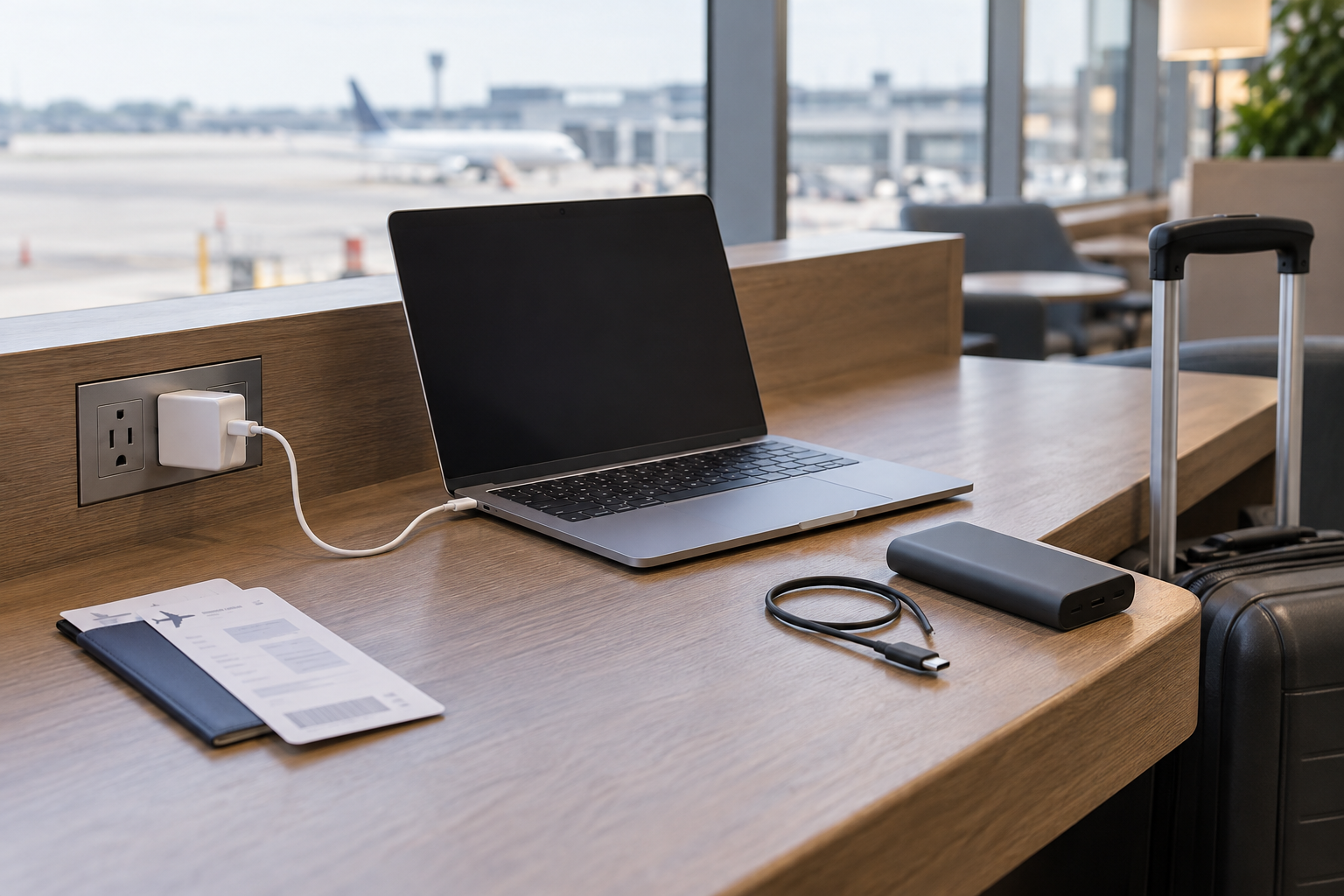
Start with the outlet you actually expect to use
The original laptop charger is the no-purchase baseline. Keep it when the places where you expect to work and stop overnight have suitable outlets, and when its packed size and weight are acceptable. It supplies power without asking you to ration a second battery. A power-bank plan still needs a compatible wall charger for the bank’s own input.
An airplane seat outlet is a separate plan, not a substitute you can assume. Check the exact flight and carrier information available for the itinerary, and keep a fallback if that information is absent or conditional. The same applies to a train, lounge, conference room, or hotel: an outlet shown in a venue description does not establish its socket type, output, location, or availability when you arrive.
A power bank earns space when it closes a defined gap between reliable outlets. Write down that gap without turning it into an invented runtime target: for example, “keep the laptop charging during a connection with no known outlet.” If the trip already has a dependable outlet at every work stop, the bank may only add another heavy object to charge.
USB-C shape is not laptop charging compatibility
Start with the exact laptop model and its maker’s manual or support page. Confirm that it accepts charging over USB-C PD, which port accepts power, and what input or adapter power the maker documents for the intended configuration. A USB-C port used for data or display does not automatically accept charging.
Next, match three records:
- the laptop’s documented USB-C input route;
- the bank’s USB-C PD output on the port and port combination you will use; and
- the cable’s documented power capability.
The route survives only if all three records support the intended connection. The USB-IF Power Delivery overview explains that USB PD allows compatible devices to negotiate the power a device requires and that the current specification extends to higher power levels. Those standard ceilings do not establish that a particular laptop, bank, or cable supports the same level.
If the laptop documentation is unclear, keep its original charging path rather than inferring support from the connector. If the bank output is lower than the laptop maker’s documented route, check whether the laptop maker explicitly supports that lower-power source and what limitation follows. The laptop USB-C charger wattage guide covers this input, port-allocation, and cable check in detail; the USB-C cable capability guide separates power capability from data and display capability.
Wh and carry-on rules come before a runtime guess
Watt-hours (Wh) describe stored energy. Watts (W) describe a rate of power. A bank can be below an airline’s Wh limit yet supply too little power for a laptop, or it can offer a suitable PD output while carrying too little usable energy for the work gap. Keep those questions separate.
For travel under U.S. rules, the current FAA PackSafe lithium-battery guidance says power banks are spare lithium batteries and must travel in carry-on baggage, not checked baggage. If a carry-on is checked at the gate or planeside, the bank must be removed and kept in the cabin. Its terminals must be protected from short circuit, and damaged or recalled batteries must not be carried.
For rechargeable lithium-ion batteries, the FAA page gives a limit of 100 Wh per battery without the larger-battery approval path. Above 100 Wh through 160 Wh, airline approval is required and the allowance is limited to two larger spare batteries per passenger. The same guidance warns that an airline may set stricter quantity or Wh restrictions, so recheck the operating carrier before each trip rather than treating the federal threshold as a promise of acceptance. When another country’s rules govern part of the itinerary, check that authority’s current battery rules too; the U.S. threshold is not a worldwide clearance.
Use the Wh printed on the exact bank or in its exact current documentation. The FAA gives the relationship Wh = battery voltage × amp-hours (Ah). Convert milliamp-hours to amp-hours by dividing by 1,000, but use the battery’s documented nominal voltage—not a 20 V USB-C output profile. If the model identity, voltage, or Wh is missing, the calculation is not complete.
Wh still does not produce a trustworthy laptop-hours estimate. Conversion losses, the laptop’s workload and battery condition, display use, thermal behavior, cable and port limits, and whether other devices share the bank all change the delivered result. A runtime claim needs a like-for-like test with the exact laptop, bank, cable, settings, and workload.
A 60W bank example shows why every row matters
The Anker 737 Power Bank (PowerCore 26K for Laptop), model A1290, is useful as a specification audit rather than as a universal recommendation. Anker’s current A1290 support page lists one USB-C input/output port, two USB-A output ports, a weight of 1.3 lb, and dimensions of 7.22 × 3.24 × 0.94 inches. Its USB-C output is listed at up to 60W PD, and its input is listed as 5–20V at 3A.
Those values change the decision in concrete ways:
- A laptop whose supported travel route requires more than the bank’s 60W USB-C maximum has not passed the compatibility check.
- The 1.3 lb bank has to be counted alongside the original charger and cable if those still need to travel.
- The single USB-C port is both input and output, so the recharge plan must follow the exact manual rather than assuming an unlisted pass-through arrangement.
- The support page lists up to 78W total for USB-C plus USB-A while retaining up to 60W PD on USB-C; it does not make the USB-C laptop route a 78W route.
The “26K” product name is not the Wh value required for the flight check. Match model A1290 to the Wh marking on the exact unit and current documentation, then apply the carrier’s rule. The support page also does not establish laptop runtime, sustained output under a particular workload, or a current exact retail destination.
Treat the official support page as the specification destination, not as a direction to buy a similarly named item. If a retailer offers another “737” model, match model A1290 and the unit’s own label before carrying any of these values across.
A finite battery also needs a place to recharge
Draw the trip as a loop, not a one-way discharge:
Work path
PD outputCapable
USB-C cableLaptop's supported
USB-C input
Any lower or unsupported link can eliminate the battery route before capacity matters.
Recharge path
outletCompatible charger
and cableBank's documented
input
The charger, outlet time, and bank input determine whether the stored energy can be restored before the next work gap.
Record when and where that second path happens. A high-capacity bank that is empty for the return journey is not a contingency plan. If one wall charger must serve the laptop, phone, and bank, map those charging windows instead of assuming every device can refill overnight at its highest rate.
An added travel display can also change the plan by drawing power from the laptop or requiring its own supply. Settle the screen and host connection with the portable monitor versus tablet guide before sizing a bank around a one-screen workload that will not match the trip.
Keep only the power path that survives all six checks
| Power path | It stays in the plan when | It leaves the plan when |
|---|---|---|
| Original laptop charger | The itinerary has suitable, dependable outlets and the original route supports the laptop’s work | The required work gap occurs where no usable outlet is established |
| Verified USB-C PD power bank | Exact laptop input, bank output, cable, marked Wh, airline rule, carried weight, and recharge path all pass | Any compatibility record is missing, the carrier rule rejects it, or its weight and recharge burden do not solve the defined gap |
| Planned seat or venue outlet | The exact itinerary or venue establishes a suitable outlet and a fallback covers uncertainty | Availability, socket, output, or access is unknown for the place where work must happen |
Before buying, write one line for each of these six items: exact laptop model and supported USB-C input; exact bank model and USB-C output; exact cable capability; marked Wh and the operating carrier’s current rule; total added carry weight; and the outlet, charger, and time available to refill the bank. A missing line is a reason to pause, not a reason to buy extra capacity.
Keep the original charger when outlets already cover the trip. Add a power bank only when the complete PD route passes and its finite energy closes a real gap that is worth the carried weight. Rely on an outlet plan when it is specific enough to verify. If the trip instead requires AC output or much longer off-grid energy, leave the carry-on laptop-bank category and assess that separate transport problem from the beginning.