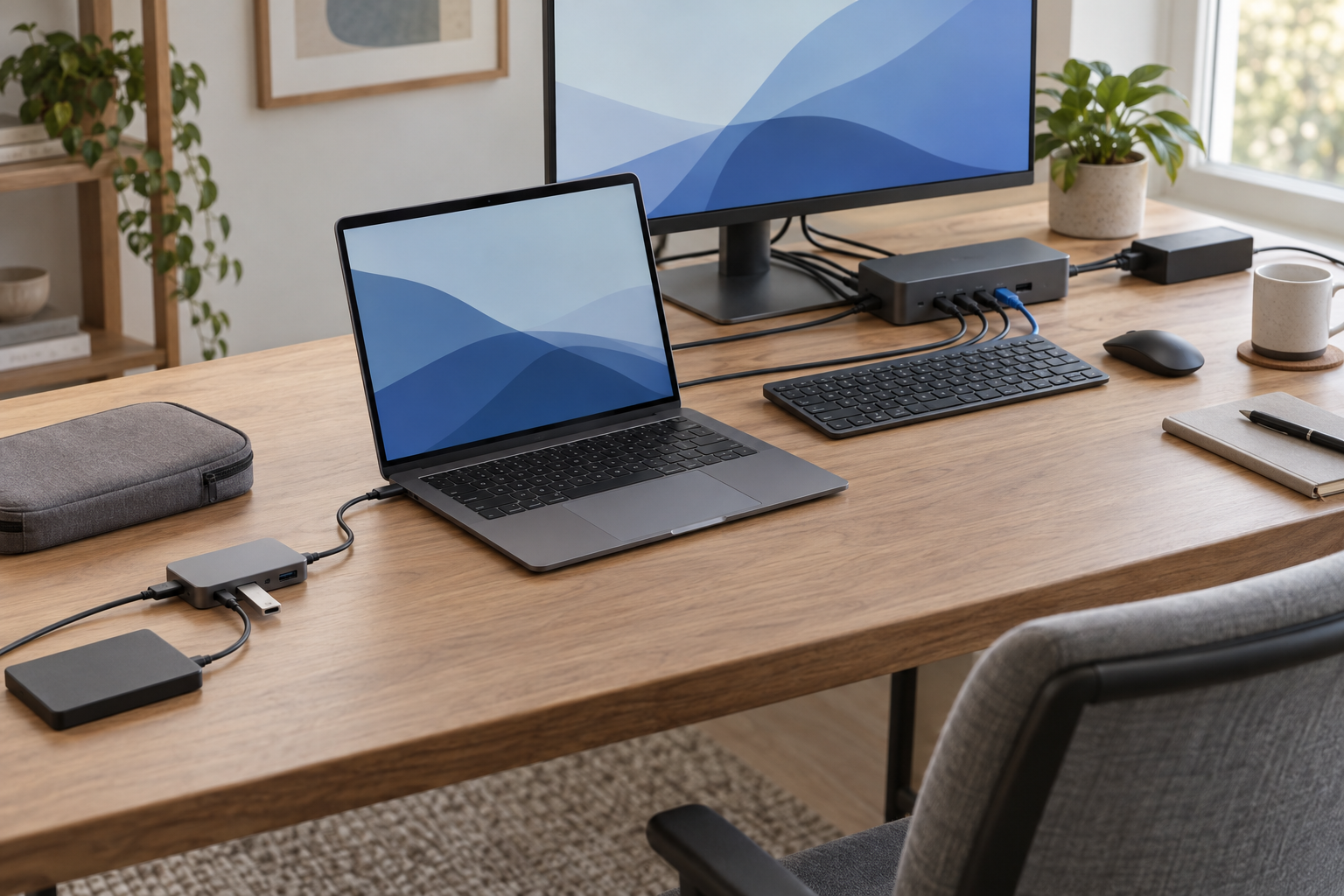
A hub is enough when the job is mainly to add USB data ports, or when a portable adapter can expose one display and a few extra functions that the laptop already supports. A powered dock starts to make sense when a permanent desk needs its own power supply, laptop charging, networking, audio, and a verified display arrangement through one host cable. Sometimes the right answer is neither: the laptop’s existing ports and charger already complete the chain.
Do not decide from the word dock, the number of sockets, or the USB-C plug shape. Write down what must work at the same time, then confirm that the laptop can supply each required function. The smallest box that completes that exact chain is the useful one.
List functions before counting ports
Inventory devices by the job they perform. “Seven ports” is not a requirement; “one 4K display at the monitor’s intended refresh rate, Gigabit Ethernet, a keyboard, and laptop charging” is.
| Function | Record the exact requirement | What can rule out a device |
|---|---|---|
| USB data | Every device used together, plus the link rate that matters for storage or capture hardware | A shared host link or downstream port that is slower than the workload requires |
| Display | Count, resolution, refresh rate, input connector, and whether the path is native video or software-assisted | The laptop's external-display limit, missing DisplayPort Alt Mode, or an unsupported dock arrangement |
| Network and audio | Ethernet speed, headset or speaker connection, and any employer network requirements | A missing interface, unsupported driver, or work-computer policy |
| Cards and accessories | SD or microSD format, webcam, keyboard, mouse receiver, printer, and occasional devices | Too few usable simultaneous connections or inaccessible port placement |
| Laptop power | The laptop's required charging input during the intended workload | No host-charging path, insufficient negotiated power, or pass-through overhead |
| Place of use | Travel weight and charger burden, or a fixed desk's cable reach and power-brick space | A portable hub that still needs too many loose cables, or a dock larger than the job |
This inventory also exposes when direct connections are simpler. If the laptop has a suitable display output, enough data ports, and its original charger can remain connected, another box adds no missing function.
The USB-C shape does not promise video or charging
A USB-C connector can carry different combinations of USB data, video, Power Delivery, USB4, or Thunderbolt. Those capabilities are not interchangeable. The USB-IF Type-C specification even gives a bounded distinction for USB4 products: a USB4 hub expands USB connections, while a USB4-based dock combines that hub function with additional connector types or user-visible functions. Retail names are looser than that definition, so the product title is not a compatibility result.
For the exact laptop model and operating system, find:
- the protocol and data rate of the intended host port;
- whether that port supports native display output and which modes the laptop or GPU permits;
- whether it accepts USB Power Delivery through that port and how much power the intended workload needs; and
- any driver, firmware, or security-policy limits for Ethernet, audio, or software-assisted displays.
If the laptop documentation does not establish one of those paths, a larger dock cannot make the unknown disappear. Resolve it before comparing accessories.
Choose direct, data hub, portable hub, or powered dock
Direct connections
Choose this when the laptop already exposes every required path and one-cable arrival is not worth extra hardware.
Basic data hub
Choose this when the real shortage is USB data connections. Separate downstream power does not imply display output or laptop charging.
Portable multiport hub
Choose this for travel or a modest desk only after the host supports every advertised pass-through function.
Powered desktop dock
Choose this when a fixed desk needs several verified functions together and its own power supply reduces daily cable handling.
The diagram shows decision paths, not universal product construction. A powered hub may supply peripherals without charging the laptop; a product called a hub may include video; and a product called a dock may still depend on a host that supports only one display.
Three current examples implement three different jobs
These Plugable models are not a “best three” ranking. They make the class boundaries concrete using current documentation from one maker, while keeping the comparison about functions rather than brand language.
| Example and decision role | What its current specification establishes | What still must be verified |
|---|---|---|
| Plugable USBC-HUB7BC Powered USB data hub | Seven downstream USB data/charging ports, an included 60W adapter for the hub and attached devices, and a host cable that supports USB-C or USB-A connections. | Peripheral compatibility and shared throughput. Its published connection set does not add a display output or a USB-C laptop-charging path. |
| Plugable USBC-7IN1 Portable multiport hub | Three USB-A data ports, HDMI, SD, microSD, and a USB-C Power Delivery pass-through input in a compact adapter. It has no included desktop power supply. | The host must support DisplayPort Alt Mode for HDMI and USB Power Delivery for pass-through charging. HDMI capability also depends on the hardware revision, host, display, and cable. |
| Plugable TBT4-UD5 Powered desktop dock | An included power supply, Thunderbolt 4 host link, up-to-100W host Power Delivery (96W certified), two HDMI outputs, downstream Thunderbolt, Gigabit Ethernet, USB, card readers, and audio. | The host's protocol and external-display support. The maker documents different one- and two-display outcomes across host types and Mac processors. |
The basic hub is the right-sized example when several USB devices need data and downstream power but the display and laptop charger remain direct. The portable hub combines more functions, but it borrows video capability from the host and charging power from a separate compatible charger. The desktop dock brings its own supply and a broader connection set, yet the laptop still determines which display paths it can use.
That is why port count is weak shorthand. The seven ports on a data hub, seven functions on a travel hub, and thirteen connections on a desktop dock do not solve the same request.
Display method and shared bandwidth can change the answer
Native display output comes from a display-capable host path such as DisplayPort Alt Mode, USB4, or Thunderbolt. The accessory can expose that path, but it cannot give an unsupported laptop a new native-display capability. Multi-display limits remain a property of the whole chain: laptop, GPU, operating system, dock, cable, and monitors.
Software-assisted display systems such as DisplayLink form a separate branch. Plugable’s USBC-6950PDZ documentation shows why it must be evaluated separately: its DisplayLink path requires software, requires Screen Recording permission on macOS, and documents workload and protected-content limits for that model. If a candidate uses that approach, check its own current restrictions rather than treating extra display sockets as equivalent to native video. None of the three core examples above should be used to generalize about every software-assisted dock.
Bandwidth is also shared. Displays, storage, Ethernet, card readers, webcams, and other devices eventually meet at the host link. Published link rates describe interfaces, not measured simultaneous performance for your chain. If copying large files while using a camera or display matters, that combination belongs in the keep-or-return test.
Power the laptop and the peripherals as two separate questions
There are three different power arrangements in this comparison:
- A bus-powered adapter draws operating power from the laptop and may accept a separate charger for Power Delivery pass-through.
- A powered USB hub uses its adapter to support downstream peripherals but may provide no charging path back to the laptop.
- A powered dock can negotiate laptop charging through its host cable, within the limits of the dock, cable, and laptop.
For pass-through charging, the charger’s label is not automatically the amount the laptop receives. The hub itself has an overhead, and the laptop negotiates what it can accept. For a powered dock, confirm the published host-delivery figure against the laptop maker’s requirement for the actual workload. Keep the original charger in the plan when the accessory cannot meet that need.
If charger or cable capability remains uncertain, use the separate laptop USB-C charger wattage guide and USB-C cable capability guide before treating the accessory as a one-cable solution.
Wake every display and copy real files before keeping it
Specifications can narrow the class and eliminate impossible chains. They cannot establish wake behavior, sustained file-transfer performance, charging under load, thermals, network stability, audio behavior, or peripheral reliability for equipment that has not been connected together.
Before the return period closes, test the exact setup you intend to keep:
- update the laptop, accessory firmware, and any required driver through their official support paths;
- connect every intended display at its real resolution and refresh rate, then sleep and wake the laptop several times;
- copy representative files while the webcam, network, input devices, and displays are active;
- run the laptop’s normal workload while checking whether it remains charged as intended;
- disconnect and reconnect the host cable, including any closed-lid or hot-desk routine you actually use; and
- check cable reach, power-brick placement, port access, and heat without assuming a short bench test proves long-term reliability.
A failed test should change the chain, not prompt a search for a box with more ports. You may need a direct display cable, the original charger, a different host protocol, an approved software-assisted path, or fewer simultaneous high-bandwidth devices.
Hand the exact chain to the compatibility check
The hub-or-dock decision is complete when you can write one sentence:
Exact laptop and OS + host-port capability + displays and modes + simultaneous data/network/audio devices + laptop-power requirement + portable or fixed-desk use.
If that sentence ends at direct connections or a simple data hub, there is no need to graduate to a dock. If it ends at a powered dock, take the sentence to the laptop docking station compatibility guide and validate one exact model against the host, display method, power path, and cables. The category label starts the search; the completed chain decides the purchase.