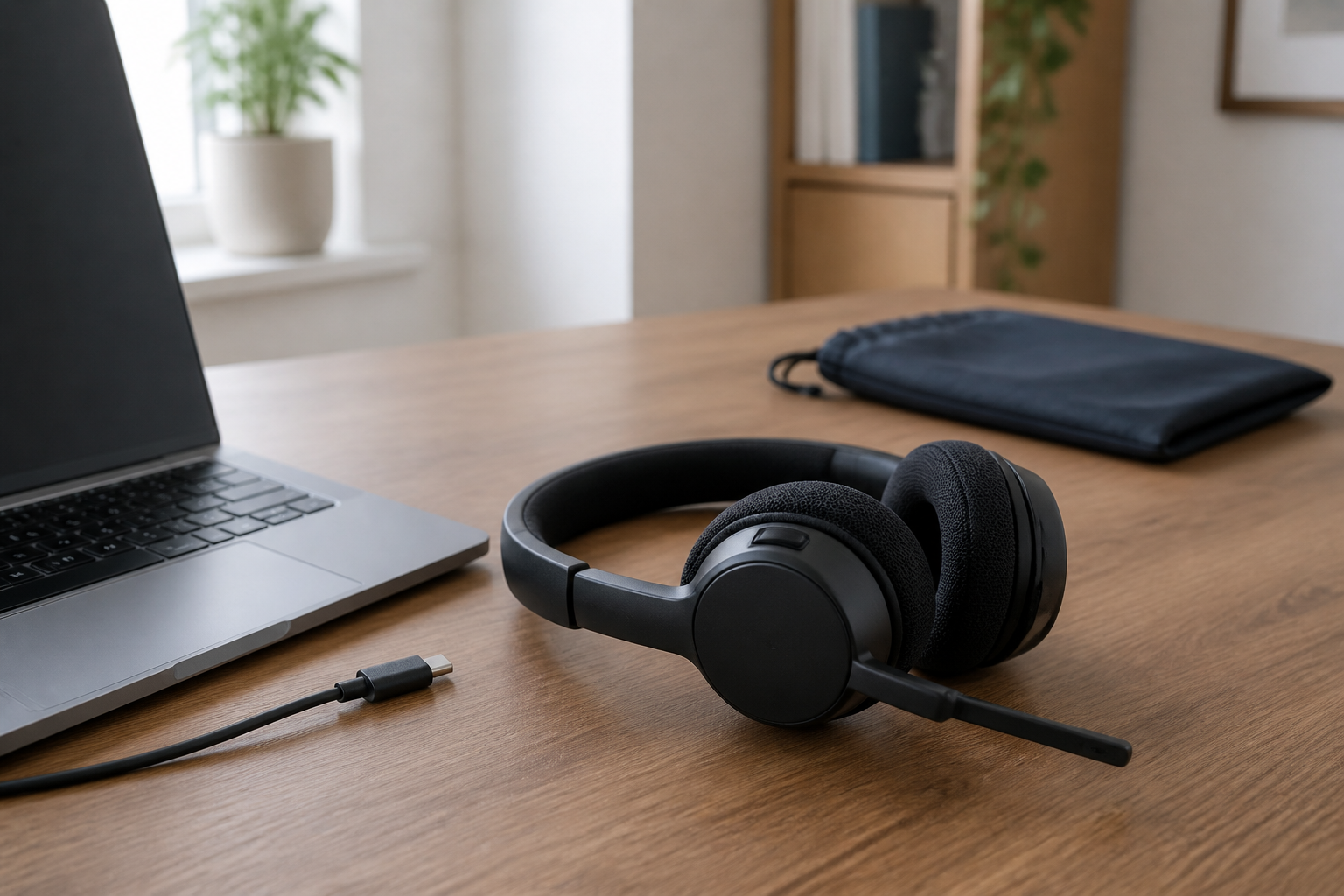
A work-call headset can fail at checkout before anyone hears its microphone. A receiver needs a free port. A Teams button may belong to one variant but not another. A wireless model adds charging, while a cable sets a hard limit on how far a call can move from the computer.
Start with four facts you can verify now: the computer and dock ports you can spare, the meeting application you actually use, how far calls move from the desk, and whether charging is acceptable. Those facts separate a charging-free wired path, a desk-based wireless path, and a foldable travel path without pretending that a specification sheet can rank comfort or call quality.
Start with the distance between the call and the desk
Movement is the first useful split because it changes both the connection and the routine around it.
| What the call requires | Connection path to examine | Cost of that choice |
|---|---|---|
| Stay at one computer and never manage a battery | Wired USB | The cable must reach, stay clear of chair arms, and occupy the chosen USB port during every call. |
| Move around one workspace while remaining connected to the computer | Wireless through a supplied USB receiver | The receiver occupies a port and the headset needs a charging plan. |
| Move between work locations and carry the headset in a bag | Foldable wireless with the correct USB receiver | Folded size and low mass matter, but the receiver is another small item to keep with the headset. |
| Need neither a boom microphone nor dedicated call controls | Keep the current earbuds, headphones, speakers, or laptop audio | No new device; first confirm that placement or application settings are not the real problem. |
A speakerphone or DECT base may fit a shared room or a call-center deployment, but those are different decisions. This guide keeps the comparison to three computer-call routes that can be checked from the computer outward.
USB-C, USB-A, receiver, or Bluetooth: name the complete path
“Wireless” does not identify how the headset reaches the meeting application. A receiver-based headset uses a small USB radio supplied for that product. Native Bluetooth pairs to the computer’s built-in radio. Some models also send audio over a USB charging cable, but that does not make every cable or every variant interchangeable.
Write the connection as a complete line before comparing models:
headset variant → supplied cable or receiver → free computer/dock port → operating system → meeting application
Check the line twice if a laptop sometimes leaves its dock. A USB receiver that lives in the dock solves the desk connection but not a call from the undocked laptop. The same receiver may also displace a webcam, external drive, or security key. If the port count is already tight, use the docking-station compatibility guide to inventory data ports instead of assuming that any USB-C socket can take over every job.
Microsoft treats native Bluetooth certification as a distinct path from its USB-device program. Its current native Bluetooth guidance requires a compatible Windows 11 PC with an integrated Bluetooth radio for the certified Teams path; macOS is not supported by that program. A USB receiver follows the separate USB-device route. The practical rule is simple: verify the exact connection and operating system you will use, not only the logo printed beside the product family.
The Teams or UC badge belongs to a variant, not the family name
The three product names in this guide each hide configuration choices:
- Logitech lists Zone Wired 981-000876 as the UC version and 981-000871 as the Teams version on the same Zone Wired product page.
- Logitech lists Zone Wireless 2 981-001151 as the graphite Teams version with receiver. A UC receiver version and the Teams native-Bluetooth 981-001435 use different part numbers on the Zone Wireless 2 page. Logitech limits native-Bluetooth Teams certification to Windows 11 with the new Teams application, so keep the receiver version when the host or operating system does not meet that path.
- Jabra offers Evolve2 65 Flex combinations that differ by UC or Microsoft Teams designation, USB-A or USB-C adapter, and wireless-charging option. The current configuration page is the place to verify the full selection before ordering.
Microsoft’s certified USB-device list includes Zone Wired, Zone Wireless 2, and Evolve2 65 Flex entries. Certification establishes the tested integration path; it does not make the UC and Teams packages interchangeable, and it does not rank microphone isolation, comfort, or music quality.
At checkout, copy the full part number or configuration string into your notes. Then match it to the port and platform line above. A family name by itself is not a completed compatibility check.
Three headset paths after the connection check
These models remain in the comparison because they impose three different constraints: a fixed cable, a receiver plus battery at one desk, or a receiver plus battery in a foldable travel design. They are not a best-to-worst sound ranking.
| Exact product path | Published connection and load | Choose this path when | Eliminate it when |
|---|---|---|---|
| Logitech Zone Wired 981-000876 Wired UC route | USB-C plug with supplied USB-A adapter; 6.23 ft / 1.9 m cable; 7.44 oz / 211 g; no battery. | Calls stay within cable reach and removing charging and radio pairing is more important than walking away from the desk. | The cable cannot reach the real sitting position, or the exact application controls require the separate Teams variant. |
| Logitech Zone Wireless 2 981-001151 Desk wireless Teams route | Bluetooth plus a USB-C receiver and USB-A adapter for this receiver version; USB audio over the charging cable; 8.11 oz / 230 g. Published talk time is up to 15 hours with ANC on or 18 hours with ANC off. | You want to move around one workspace, can dedicate a receiver port, and can make charging part of the desk routine. | You do not have a suitable receiver port, need a charging-free device, or expect a published maximum to guarantee your real runtime. |
| Jabra Evolve2 65 Flex Foldable wireless route | Choice of USB-A or USB-C adapter and UC or Teams variant; Bluetooth; collapsible headband; 4.8 oz / 136 g. Published talk time is up to 20 hours with ANC and busylight off or 15 hours with both on. | The headset changes work locations often enough that folded form and lower published mass affect what you will carry. | It will stay on one desk, or you cannot keep the chosen receiver and charging path with the headset. |
The battery figures are manufacturer maximums under stated settings, not measured results from a shared test. Plan charging around a margin rather than treating the longest number as a workday guarantee.
Zone Wired removes charging, but the 1.9 m cable defines the workspace
The Zone Wired specification gives 981-000876 a USB-C connector, a supplied USB-A adapter, a 1.9 m cable, and inline call controls. Those details make it the cleanest route when the headset stays attached to one computer and a battery would add work without adding useful movement.
Measure the route from the selected port around the monitor or dock to the seated position—not a straight line across the desk. Leave enough slack to turn the head without pulling the inline controller against the desk edge. If that route consumes most of 1.9 m, wireless is solving a real constraint rather than merely removing a visible cable.
The exact part number matters for controls. This comparison uses the UC 981-000876 path; Logitech lists the Teams package separately. Review the official 981-000876 page and change variants only after matching the meeting application.
Zone Wireless 2 spends a receiver port to let the call move
Zone Wireless 2 981-001151 is the desk-based wireless choice because the exact part number identifies a Teams version supplied with a receiver. Logitech documents Bluetooth, the USB-C receiver with a USB-A adapter, and audio over USB when the headset is connected with its charging cable. That gives the setup a fallback audio path while charging, but it still requires a deliberate port plan.
Its published maximum talk time changes from 18 hours with ANC off to 15 hours with ANC on, and Logitech notes that actual battery life varies with use and computing conditions. Instead of choosing from the larger number, decide where the headset will charge and whether a call can continue by USB cable from that location.
Use the official Zone Wireless 2 981-001151 page to confirm the graphite Teams-with-receiver selection. Do not substitute the UC receiver or native-Bluetooth part number unless the complete connection and platform path still matches.
Evolve2 65 Flex earns its place only when the headset enters the bag
The Evolve2 65 Flex specification publishes a collapsible headband, 136 g stereo-headset mass, USB-A and USB-C adapter choices, Bluetooth, and UC/Teams variants. Those are concrete portability and compatibility differences. They do not establish that the headset will feel better after a long call.
Fold the carry decision into the connection decision. A USB-C-equipped laptop does not help if the chosen box contains a USB-A adapter, and a small receiver left at the other desk defeats the portable path. Record the adapter, platform variant, charging option, and all items you expect in the box before ordering.
Jabra’s official Evolve2 65 Flex configuration page exposes those choices together. Use it to verify the current US configuration rather than assuming that every Evolve2 65 Flex listing contains the same adapter or Teams controls.
Comfort and microphone isolation still need a real call
Published mass, ear-cushion material, microphone count, and ANC mode cannot predict pressure on a particular head, seal around glasses, speech pickup in a particular room, or fatigue over the longest normal call. No same-condition wear or recording test across these three models supports a quality ranking here.
Use the return window available from the seller you choose to perform one repeatable check on the exact computer and application:
- Connect through the path you intend to keep: cable, supplied receiver, or explicitly supported native Bluetooth.
- Confirm mute, answer/end, volume, and any Teams-specific control in a real meeting—not only in an operating-system sound panel.
- Record or call from the room at its ordinary noise level. Ask the listener about speech intelligibility and distracting background sound without telling them which feature is enabled.
- Wear the headset through the longest typical call you can test within the return period, including glasses if you use them.
- For wireless models, note the battery change during normal use and confirm that the planned charging location remains practical.
If the old audio setup passes that test and dedicated controls or a boom microphone add no useful capability, keeping it is a successful outcome. If the remaining problem is video framing rather than audio, move to the home-office webcam guide instead of replacing another part of the call setup.
Make the decision with one line of verified details
Write down one final line before opening a product page:
movement → free port → connection → OS → meeting platform → exact variant → charging plan → remaining fit/mic test
- Choose Zone Wired 981-000876 when calls stay within the measured cable route, UC controls fit the application, and charging would solve nothing.
- Choose Zone Wireless 2 981-001151 when movement around one desk is worth a receiver port and a charging routine, and the Teams-with-receiver variant is the intended path.
- Choose an exact Evolve2 65 Flex configuration when the headset regularly changes locations and the selected USB-A/USB-C plus UC/Teams combination is written down before ordering.
- Buy none of them when the current audio path already passes the real-call test or when the exact variant cannot be verified.
That last fit and microphone test remains personal and room-specific. The specifications can narrow the purchase to one connection path; the real call decides whether that path is worth keeping.