The most useful monitor-arm number is usually hiding in the monitor manual: weight without the stand. Display depth comes next, because a deep curved screen puts its center of gravity farther in front of the tilt joint.
Once those two numbers are known, choosing an arm becomes much less mysterious. You can rule out the wrong capacity, then check whether the plate, clamp, reach, and desk all belong in the same setup.
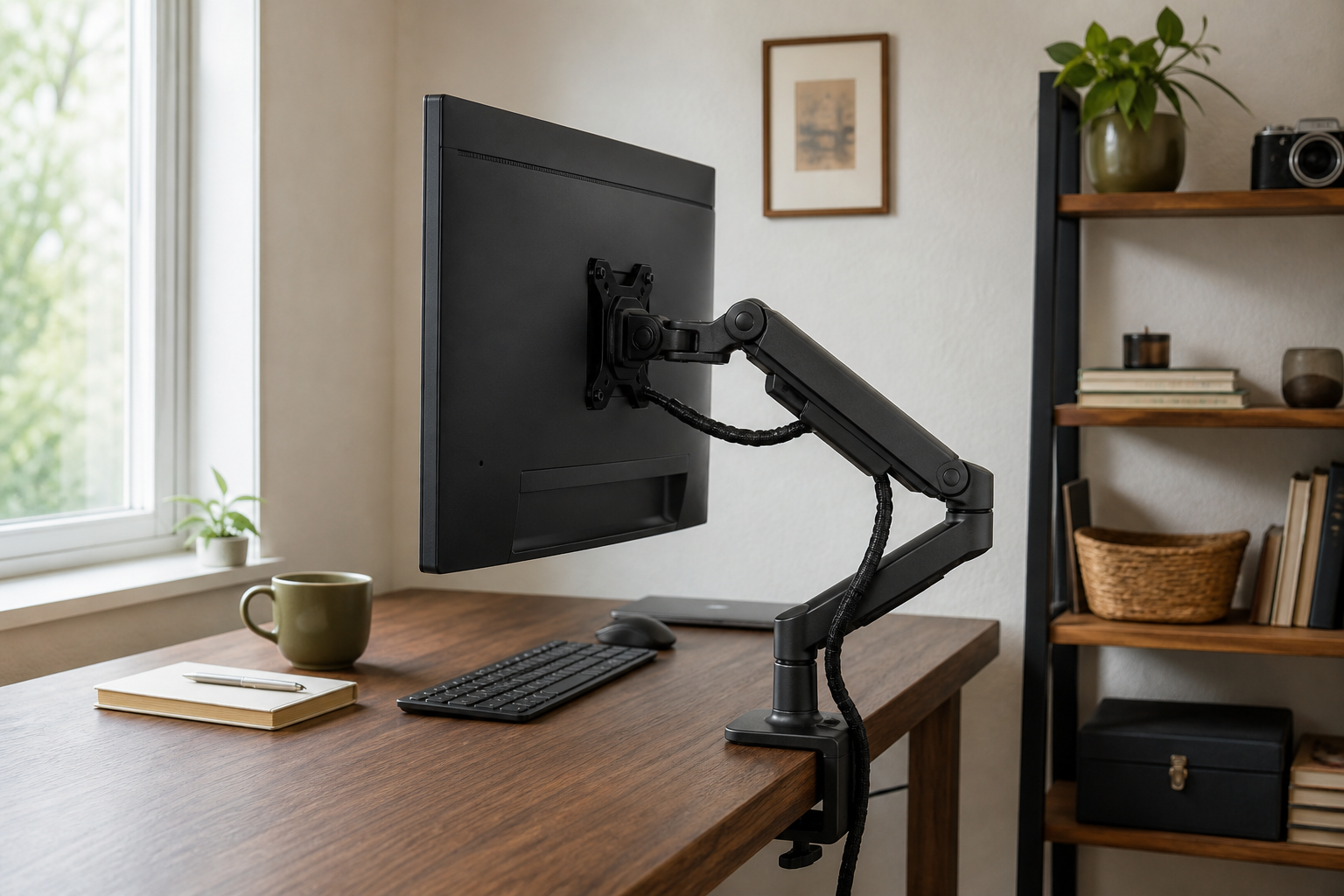
Five details settle compatibility before brand does
Write down the exact monitor model and desk construction, then fill in these five fields. Together they give a firmer compatibility answer than a retailer’s “up to 49 inches” headline.
| Field | Where to find it | What it changes |
|---|---|---|
| Monitor weight without stand | Monitor manual or specification page | The arm and tilt-pivot load range |
| Display depth | Side-view dimensions, including the curved center | Leverage at the tilt joint |
| VESA pattern | Mounting section of the monitor manual | Whether the plate and screw pattern fit |
| Desk edge or grommet | Measure the real top; inspect the underside | Clamp range, base position, and safe attachment |
| Required reach | Measure from the mount point to the desired screen position | Whether the screen can sit at the right distance without hitting a wall |
OSHA’s monitor guidance places the screen directly in front of the user, with the top at or just below eye level and enough viewing distance for comfortable focus. An arm is useful when its range can reach that position at the actual desk. Treat maximum extension on a product sheet as a room measurement: it has to connect the valid mounting point with that screen position.
A heavy screen can fit the weight range and still challenge the tilt pivot
Weight ratings are necessary, but they describe a load under the maker’s stated conditions. A deep screen shifts that load away from the pivot. This is why a large curved display needs more than a successful comparison between two pound figures.
Ergotron’s current LX Pro product page lists a 4–22 lb monitor range. Its product sheet adds the qualifier that monitor depth can reduce capacity once depth exceeds 3.6 inches. If the monitor is deeply curved, use the manufacturer’s display-specific compatibility tool or written support answer rather than treating the nominal maximum as a promise.
The same discipline applies near the lower end. A spring arm tuned for a heavy screen may rise when fitted to a monitor below its stated minimum. Keep the monitor inside the complete range, not merely under the maximum.
VESA, clamp thickness, and the underside of the desk decide whether it mounts
Most arms in this class use 75 × 75 mm or 100 × 100 mm VESA mounting patterns, but the monitor manual remains the authority for the exact model. Recessed mounting holes can also require the maker’s supplied spacers or screws. The plate should sit as documented; improvised long screws can reach internal components.
Now look below the desk. A clamp needs a flat, strong contact area on both faces. A beveled edge, apron, cable tray, drawer, support rail, glass panel, or hollow desktop can change the answer even when the top’s total thickness seems suitable. The LX Pro documentation, for example, gives a 10–60 mm edge-clamp range. That number says nothing about whether a particular hollow-core or glass desk is approved for the concentrated load—check the desk maker before attaching hardware.
A grommet mount avoids the outer edge but still needs the correct hole, underside clearance, and supported surface. Drilling a rented, unknown, or glass top is a desk decision first and an arm decision second.
Standard, heavy, or deep-curved: three arms for three different loads
The workload moves through three classes: a mainstream flat panel, a heavier display, and a deep curved screen that calls for model-specific compatibility evidence.
| Arm | Published monitor range | Useful when | Verify before ordering |
|---|---|---|---|
| Ergotron LX Pro | 4–22 lb | A mainstream flat display fits its full weight, depth, VESA, and reach envelope | Depth over 3.6 in, 75/100 mm VESA, 10–60 mm clamp, required reach |
| Humanscale M8 Pro | 9–50 lb for the current single-monitor configuration | The display is beyond standard-arm capacity but still fits the exact selected mount and base | Exact monitor weight, VESA hardware, base option, desk construction |
| Ergotron HX with VHD Pivot | Compatibility-led rather than a generic ultrawide answer | A named deep curved display appears in the supported configuration | Exact display model, pivot combination, worksurface limits, range of motion |
The Humanscale M8 Pro single-monitor listing publishes a 9–50 lb range for that configuration. Its role begins when the monitor genuinely exceeds standard-arm capacity. The higher-capacity structure can be larger, and the selected base and plate still need to match the desk and display.
For certain deep curved displays, Ergotron pairs the HX arm with its VHD Pivot. Treat that as an exact model-and-pivot compatibility path. “Ultrawide” alone is too broad: two screens with the same diagonal can have different weight, depth, curve, mounting location, and center of gravity.
Reach matters most when the desk is deep or close to a wall
Place a piece of removable tape where the clamp or grommet base would sit. Measure from that point to the screen position you use now. Then check three movements:
- Can the arm bring the screen close enough for comfortable reading?
- Can it move far enough back without the elbow or monitor hitting the wall?
- Can it rotate or lower without striking a shelf, second display, or desk surface?
A deep desk may require more forward reach. A desk tight to the wall may need less rearward elbow travel or a different base location. Published extension figures become useful only after you draw this path through the room.
The order that prevents most returns
Start with the monitor manual. Record stand-free weight, depth, VESA pattern, and any curved-display mounting notes before opening the arm catalog. Photograph the desk edge and underside, measure the usable thickness, and locate obstructions. Finally, measure the distance from that valid mount point to the desired screen position.
Choose the capacity class only after that worksheet is complete:
- Mainstream flat display inside 4–22 lb: a standard arm such as LX Pro can enter the shortlist when depth, clamp, VESA, and reach also fit.
- Heavier display: compare the exact M8 Pro configuration or another documented heavy-duty arm against the complete setup.
- Deep curved display: use the monitor model in an official compatibility path, such as a supported HX/VHD combination, instead of inferring fit from size and weight alone.
Once the monitor is moving, set its normal working position before arranging the rest of the desk. A work surface that sits too high or too low leads to the standing-desk height guide or the chair fit comparison.