A monitor light bar and a desk lamp can produce similar numbers on a specification sheet while solving different problems. The light bar begins above the screen and favors the keyboard and the center of the desk. An articulated lamp begins from the desktop or its edge and can follow paper, an object in your hands, or a face on camera.
Start with the surface that disappears into shadow. Once that is named, brightness controls and color-temperature ranges become secondary comparisons rather than the reason to buy the wrong shape.
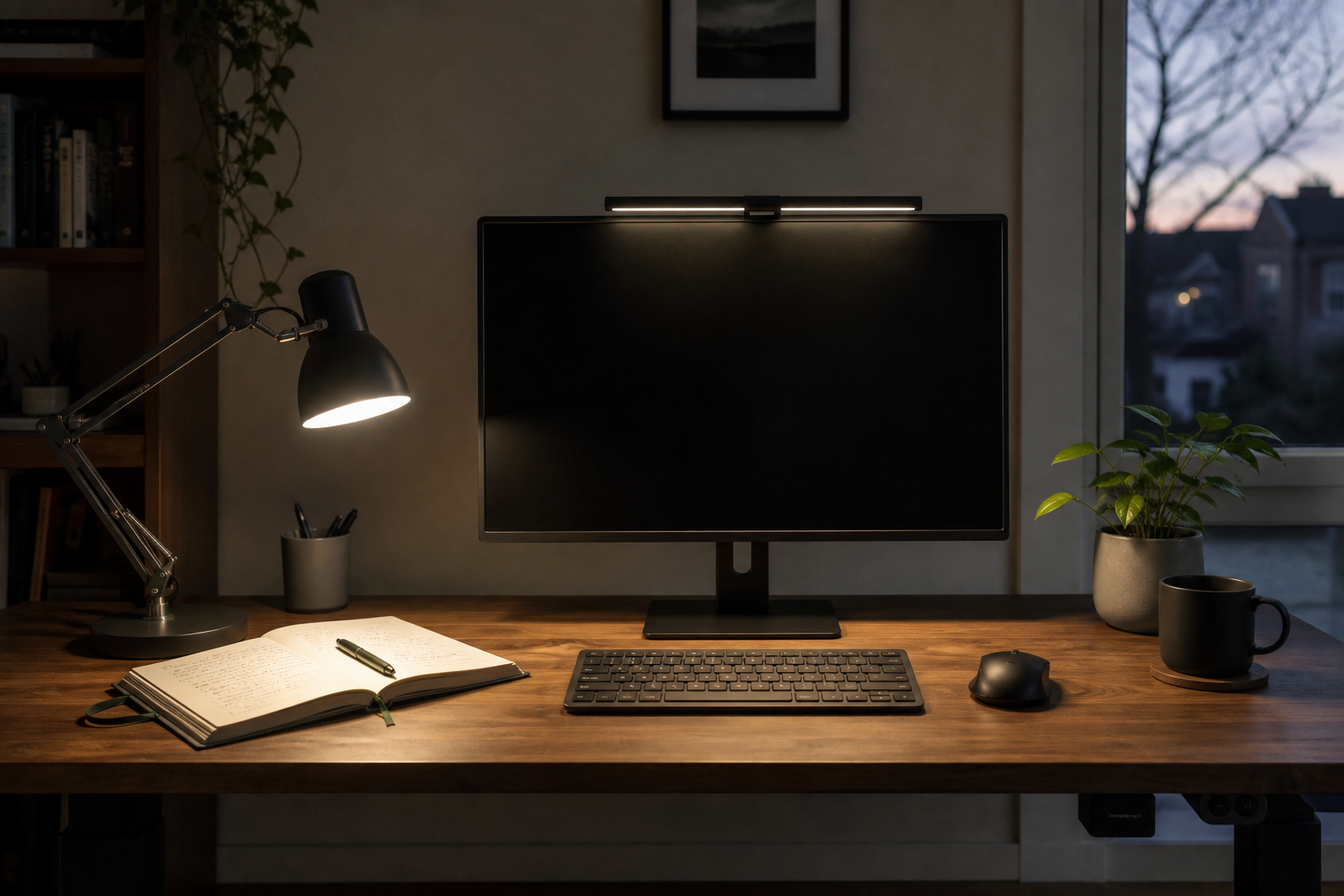
Name the surface first: page, keyboard, or face
Look at one evening of work. Where does local light need to land?
| Work surface | Monitor light bar | Articulated desk lamp |
|---|---|---|
| Keyboard and centered notes | Natural fit for a screen-centered beam | Works, but uses a base or clamp and an arm beside the monitor |
| Paper spread beside the monitor | May reach the edge of its fixed coverage | Head and arm can move over the paper |
| Small object held in the hands | Limited by the fixed beam origin | Can be brought closer and aimed from a new angle |
| Face during a call | Its beam geometry favors the desktop | Some articulated lamps can be raised and redirected; a dedicated camera light may still be better |
| Desktop with almost no free surface | Mounts above the monitor | Requires a base footprint or a compatible clamp edge |
If nearly all work stays between you and the screen, the bar’s fixed origin may be exactly the constraint you want. If the work moves left, right, upward, or into your hands, reach matters more than a tidy center line.
A light bar saves desk space only if the monitor can hold it
A monitor-top light transfers its footprint from the desktop to the display. That works only when the mounting mechanism, display thickness, curvature, and anything already on the top edge are compatible.
BenQ’s published ScreenBar Halo 2 specifications list monitor thickness from 0.43 to 6 cm and curved displays from 1000R to 1800R. Use those figures alongside the exact webcam, rear housing, vent, and bezel shape on the monitor.
An articulated lamp moves the compatibility check to the desk. A base consumes surface area. A clamp needs a strong, flat edge with enough clearance underneath. A wall-hugging desk, drawer, support rail, beveled edge, or glass top can decide the mounting choice before lighting performance does.
A centered beam is tidy; an articulated arm follows the work
BenQ publishes an 85 × 50 cm coverage area at 500 lux for Halo 2, along with front and rear illumination on the US product page. Those are manufacturer specifications; monitor height, bar angle, desk finish, ambient light, and the position of the page shape the result on a real desk.
Humanscale’s Nova Task Light takes the other route: an articulated arm and head, with base and clamp configurations. Its technical information publishes 91+ CRI, 7 W power use, and a 10-year warranty. Those details describe the product and its light engine; the movable geometry determines whether it reaches a particular task.
The architecture is the useful difference. Halo 2 keeps its source aligned with the monitor. Nova can move the source away from the monitor and toward the task.
Halo 2 clears the desktop; Nova reaches beyond the screen
| Product | Light origin | Published fit or output details | The decision it clarifies |
|---|---|---|---|
| BenQ ScreenBar Halo 2 | Monitor top, with front and rear light | 0.43–6 cm monitor thickness; 1000R–1800R curves; published 85 × 50 cm area at 500 lux | Keep the desktop clear and light the centered work zone |
| Humanscale Nova | Desktop base or edge clamp with articulated arm | 91+ CRI, 7 W, base/clamp choices, 10-year warranty | Move light toward side papers, objects, or a changed camera setup |
These rows compare geometry and published specifications. We have not measured glare, comfort, or eye strain. Choose the form that reaches the work, then compare controls, warranty, replacement options, and price within that form.
The final test is whether the beam misses the screen and reaches the task
OSHA’s monitor guidance recommends controlling glare by considering the monitor’s position relative to windows and light sources. A product page cannot see that room geometry. A beam that looks controlled in one setup may reflect from another screen coating or enter the user’s sight line from a different angle.
Check the return policy, then test the chosen form at the hour when the room is normally dark. Put the usual paper or object in its real position. Move the chair through its normal range. For a light bar, confirm the beam reaches the front of the keyboard without creating a bright screen reflection. For an articulated lamp, confirm that the head can reach the work without blocking the monitor or hovering in the camera frame when it is not wanted.
If the monitor top is already crowded by a webcam or the desk edge cannot accept a clamp, that physical result is more useful than another comparison of brightness modes. The same principle applies when desk space is the constraint: the desk-depth guide maps the surface zones, while the monitor-arm guide checks whether screen support can safely move off the stand.