The six inches between a 24- and 30-inch desk sound like spare surface. In a computer setup, they can become viewing distance, room for a large monitor stand, space for paper beside the keyboard—or simply six more inches of furniture projecting into the room.
Desk depth is useful only after you place the screen plane, input devices, and seated position. A shallow top can work beautifully with compact equipment. A deeper top can still feel cramped when a large stand pulls the monitor forward.
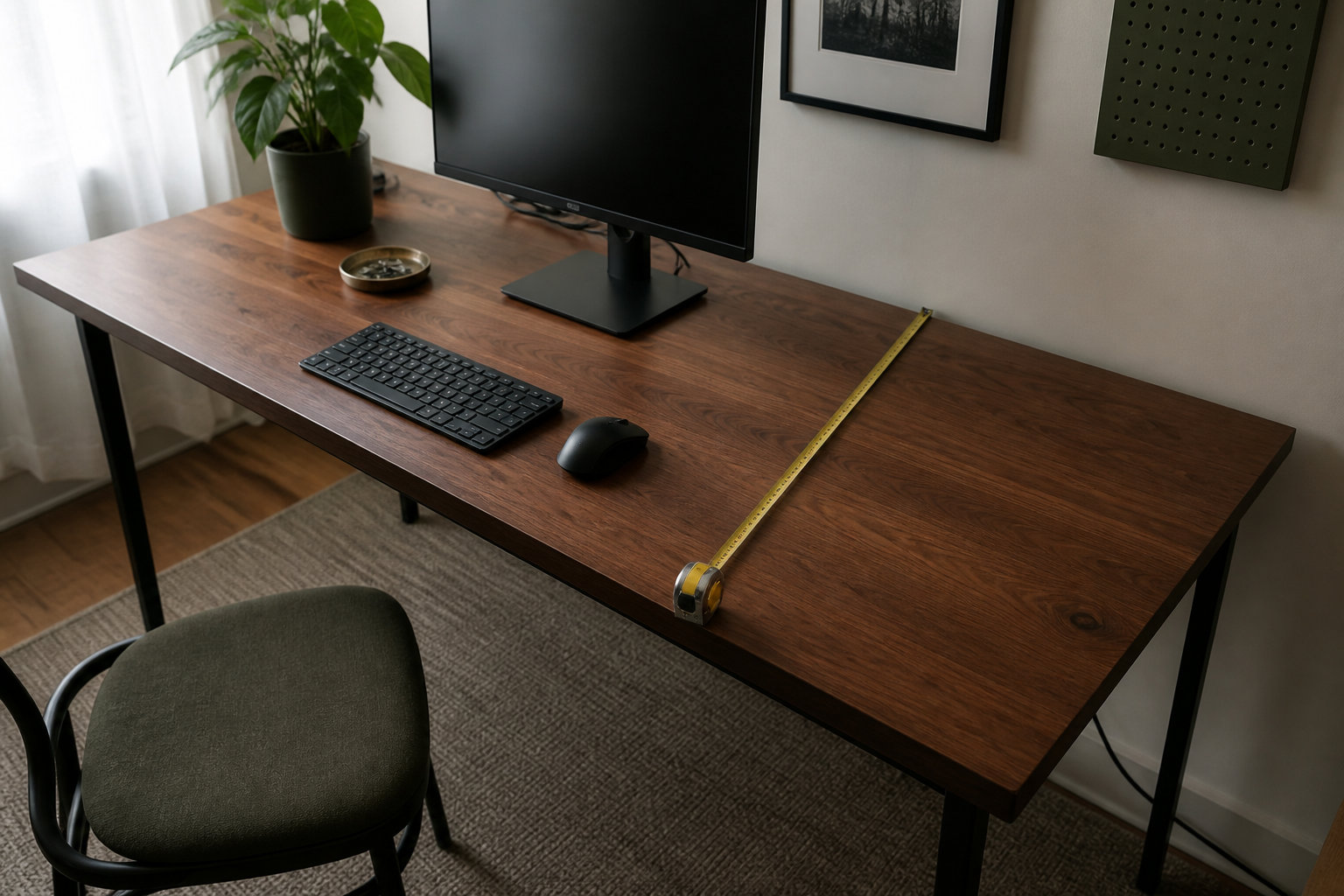
Desk depth and viewing distance start at different points
Viewing distance begins at your eyes and ends at the screen. Desktop depth begins at the front edge and ends at the back edge. They overlap by an amount set by the monitor stand and your seated position.
The screen usually sits forward of the wall because of base depth, cable clearance, and the thickness of the display. Your eyes sit forward of the desk edge by an amount set by chair position and posture. A nominal 24-inch top can therefore produce several different eye-to-screen distances.
OSHA’s desk guidance says the surface should be deep enough to place the monitor directly in front of the user and generally at least 20 inches away. Its separate monitor guidance gives a general 20-to-40-inch viewing range. Apply those placement ranges to the complete side view rather than turning them into a desk-size rule.
Six extra inches can move the screen back—or move the desk into the room
Going from a 24-inch to a 30-inch top creates a six-inch depth budget. You decide where that budget goes.
| Where the extra depth goes | What it may solve | What still needs checking |
|---|---|---|
| Behind the monitor stand | Cable bend, wall trim, or a deep stand base | Whether the screen plane actually moves back |
| Between monitor and keyboard | A larger viewing distance | Whether the screen then remains readable at the chosen scaling |
| In front of or beside the keyboard | Paper, a drawing tablet, or palm support | Whether device height and reach remain comfortable |
| Into the room | Nothing on the desktop | Chair travel, doors, drawers, and circulation |
The last row is easy to miss. If the desk is against a wall, the full six inches project toward the chair unless the room layout changes. A deeper surface is valuable when it resolves a real collision on top; otherwise it is simply a larger piece of furniture.
A side-view worksheet reveals which zone is crowded
Use the equipment you will keep and record five actual positions. Together they replace the vague idea of a universal “minimum desk depth.”
| Zone or position | Record from the real setup | Question it answers |
|---|---|---|
| Wall to rear desk edge | Baseboard, cable bend, and any gap | How far the whole desk must project |
| Rear edge to screen plane | Monitor stand or arm geometry | How much desktop depth disappears behind the image |
| Screen plane to keyboard | Current placement at the intended scaling | Whether the display can sit at a usable distance |
| Keyboard and pointing-device zone | Actual device depth and preferred position | Whether input devices compete with paper or the desk edge |
| Eye position relative to front edge | Normal chair position | The real eye-to-screen distance |
Read the rows as one side view. If a 24-inch top carries every zone without pushing the monitor too close or the keyboard off the front, it has done the job. If two zones claim the same space, identify the collision before choosing the remedy.
Choose 30 inches when two work zones need the same surface
A deeper desk is the cleaner answer when a large stand and a paper, tablet, audio, or control surface genuinely need front-to-back room at the same time. It also gives more freedom to move a monitor backward when the larger diagonal occupies too much of the visual field.
Thirty inches can also put the screen too far away, make small controls harder to read, or crowd the room. The depth earns its place when you can name the second zone it protects.
For a single compact keyboard and a monitor on a shallow stand, 24 inches may leave a calmer room and enough working surface. For a 32-inch display, the 27- versus 32-inch monitor guide helps separate panel size from stand depth and software scaling.
A monitor support change can recover the crowded zone
A compatible monitor arm can remove a broad stand base from the work surface and reposition the screen plane. In exchange, the clamp or grommet needs a supported mounting point, and the arm may require clearance behind the desk as its joints move.
Before replacing furniture, compare the cost and constraints of that support change in the monitor-arm compatibility guide. Record monitor weight without the stand, display depth, VESA pattern, desk-edge construction, and required reach. If any of those fail, the deeper desk with the original stand may be the more predictable solution.
A keyboard tray is another adjacent option when the input zone—not the monitor—is consuming the missing depth. It changes keyboard height and knee clearance, so use the under-desk keyboard-tray guide before treating it as a universal space saver.
The purchase decision can now be specific: 24 inches because the current zones fit; 30 inches because two zones conflict; or no new desk because a mechanically compatible support change solves the actual problem.
If you are buying a sit-stand desk, the standing-desk size comparison puts width, depth and seated height together, with current complete configurations from Autonomous, FlexiSpot, UPLIFT and Vari.